 ES
ES RU
RU DE
DE PL
PL IT
IT TR
TR FR
FR BR
BR NL
NL CN
CN CZ
CZ UA
UA HU
HU SE
SE Unlimited Downloads
  Sale
Sale 
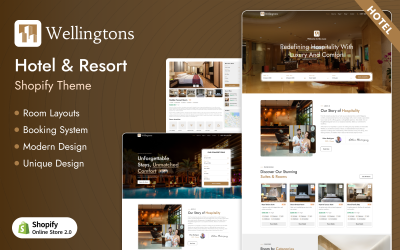


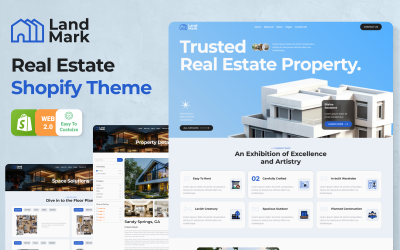


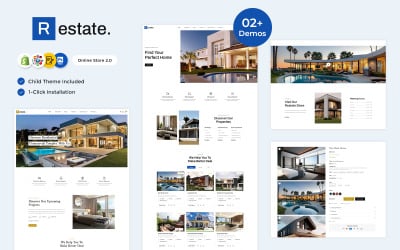


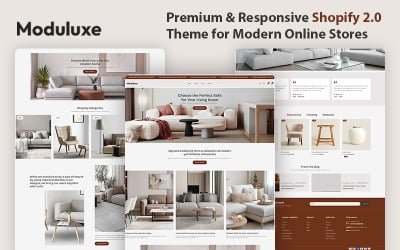

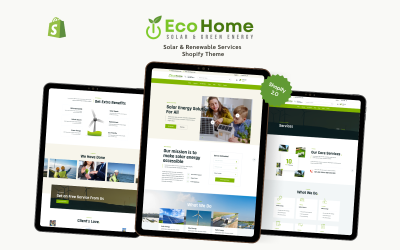
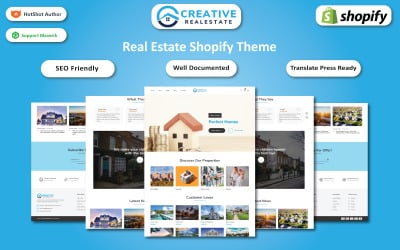

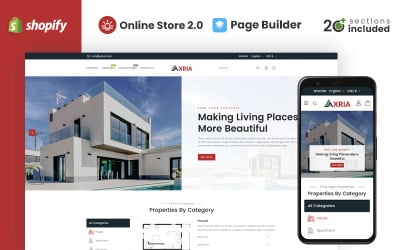
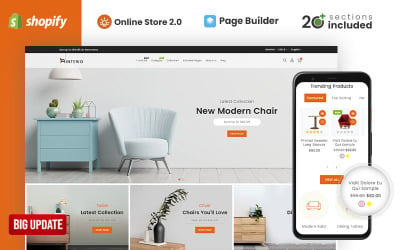


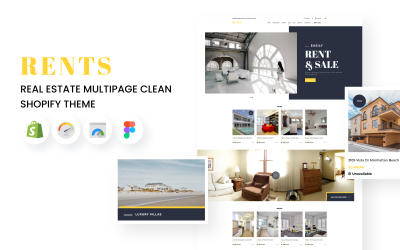
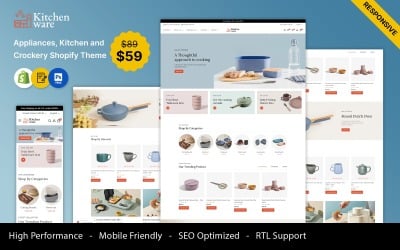
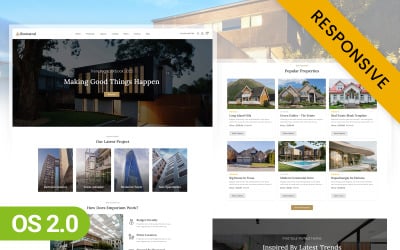




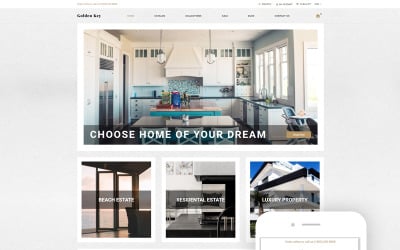


5 Best Real Estate Shopify Store Themes 2026
Top Collection of Best Real Estate Shopify Themes
Attractive modern designs, impressive functionality, full support, and intuitive interface — it's not a miracle; it's our collection of real estate Shopify store themes! A great way to build a store in a short time is in a simple, user-friendly builder, check out your portfolio, and find the ideal design for your future site.
Shopify Commercial Property Themes - Features & Characteristics
Our impressive Shopify themes are developed for functional commercial websites, so they are feature-rich and provide enormous potential for sales. Great characteristics include:
- compatibility with other Shopify official apps;
- professional, experienced support;
- fast page loading;
- unbelievable customization opportunities;
- multiple pages with a flexible layout.
Who Can Benefit From Real Estate Shopify Store Creation
These themes are the best solution for a real estate e-commerce website. They can be advantageous for:
- real-estate company;
- residential lease firm;
- housing rental services;
- individual realtor;
- construction company.
They can be adapted for design studios, land property agencies, and lawyers or for the Shopify real estate website.
How to Create a Successful Online Business with Shopify Commercial Property Themes
You can create a website on Shopify in a few hours. It takes a lot of time to customize the appearance and fill the catalog — you can do this endlessly. You will receive a working store in a short time.
Website development begins with registration on Shopify. To take advantage of the 14-day test period, go to the designer's website and click on the "Start free trial" button. The system will ask you to provide the required information. After filling in the fields, you will be redirected to your account.
On the main page of the control panel, a setup wizard is displayed, which offers three steps: add the first product, change the theme, and attach a domain. In fact, this is enough to launch an online store on Shopify.
You can add products in the Products — All Products section.
To install a pre-purchased theme, expand the Online Store menu and go to the Themes section. To make changes to the installed template, click the Customize button.
Before publishing a site, you need to attach a domain to it. This can be done in the Online Store — Domains section. Here, you can buy a new domain or transfer your name from a third-party registrar.
As you can see, the process of creating a store is very simple.